博客手札:人生第好几次想搞博客
蓝色大肥鱼:这篇文章记录了作者在 2020 年底重新开始写博客的经过。作者放下自己开发博客和 Markdown 编辑器的执念,选择 Hexo + Fluid 快速搭建,并记录了在宝塔面板安装 Hexo、修改 hexo-server 源码让服务监听 0.0.0.0,以及最终上线的过程。
AI 摘要 DeepSeek v4.1 Flash本文最后更新于 2026年11月10日 下午
具体是第几次,已经无从考究啦。一直执着于自己写,自己开发博客和 MarkDown 编辑器,但一直碌碌无为。在不写博客我就老了,截止今天(2020-12-22)我已经22岁了,没精力折腾了。这次下定决心啦,直接用成熟的博客产品。访问了几个博客,最终选择了 Hexo ,以 Fluid 主题作为基础。
约定
> 表示执行 shell 命令
# 表示注释
安装 Hexo
我是使用是虚拟机 + Linux宝塔面板,虚拟机和宝塔的安装这里就不赘述了。请看我的教程:【web实战】Linux宝塔面板安装、【web实战】开发环境 - 虚拟机安装。
Hexo 官网:https://hexo.io/
1 | |
到此,Hexo就安装完成了。
但不是我想要的效果,指定ip为0.0.0.0被替换了。
解决ip问题
直接翻阅hexo-server源代码,找到了问题所在。
文件:node_modules/hexo-server/lib/server.js
1 | |
Hexo 团队为什么这么做呢,可能是为了所谓的安全吧。
翻阅 server.js 的 Commit History,找到了对应修改记录。
Commit 4103a759e4
Add options and some improvements
- Add “compress” option: Enable GZIP compression
- Add “header” option: Add “X-Powered-By: Hexo” header
- Display “0.0.0.0” as “localhost”
- Use supertest-promised in tests
Commit 5efada50ab
Serve on all interfaces by default
This commit changes the default value of the
--ipoption to use
Node’s internal resolution. It means that it will try to bind to
the unspecified IPv6 address::if available or else fall back to the
unspecified IPv4 address0.0.0.0. In most systems,::also binds
to0.0.0.0which effectively allows to listen on all interfaces.
找到了重点:Display “0.0.0.0” as “localhost”
这个做法就是不让外网访问,为了小白而考虑的所谓的安全。
不会吧,不会真有人不使用静态访问吧?!
直接把替换判断注释掉就可以了。
1 | |
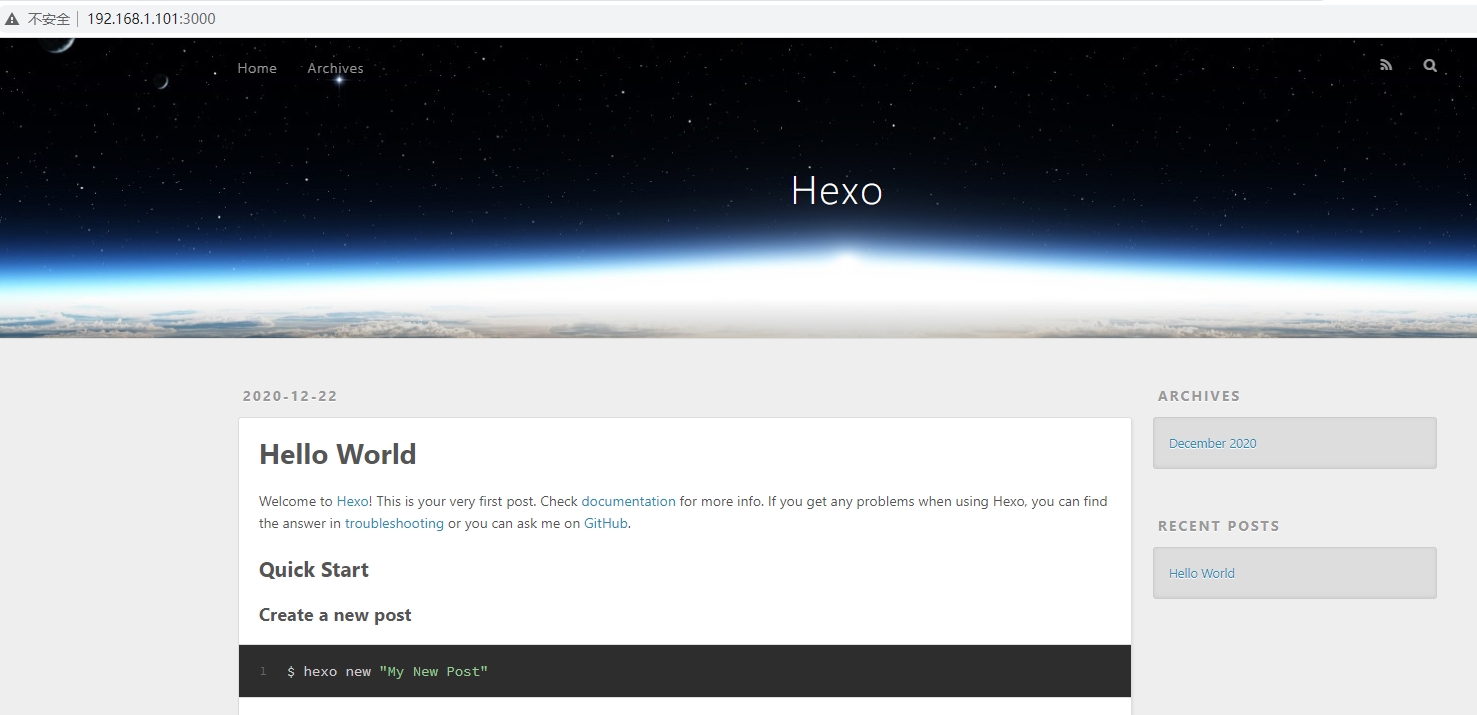
最终成果